Under the post you want to comment on, click where it says Comments. (It will either say 'no comments' or '1 comment' or however many comments have been made so far.)
In the box that says 'Enter your comment...' type in what you want to say.
Next, where it says 'comment as:' click on the arrow to select profile. Click either Name/URL or Anonymous. A new box will appear, headed 'Edit Profile'. Enter your name (first name only is fine) where it says 'Name:' (You don't have to put anything in the URL box).
Click on 'Continue'.
Click on 'Publish'.
Your comment will be published after it's been approved by the moderator!
The other option, is to type your comment in an email and send it to me, at kosters@slingshot.co.nz, or you can give me a ring. I'd love to hear from you!

Subscribe to:
Post Comments (Atom)
Blessing of the Backpacks
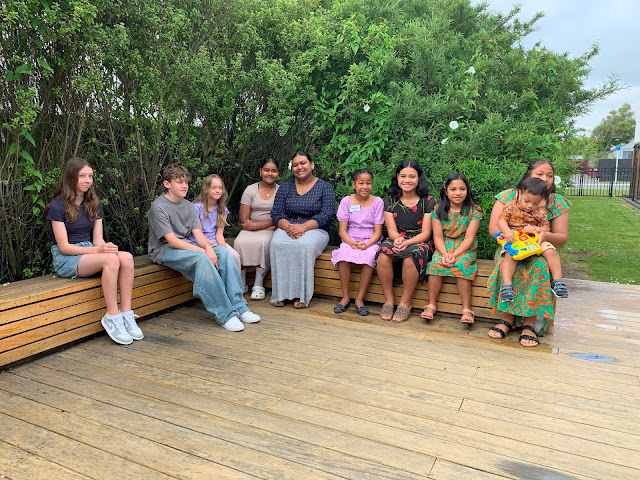
Thank you to everyone who joined us for our Blessing of the Backpacks and our first Awesome Time of 2025.
-
Congratulations to Jamie and Monica, who answered all the questions in last week's quiz on Papua New Guinea. This week's challenge...
-
 Jesus loves us and is always with us to help us feel better when we are sad. What are some ways that we can show care and compassion and ...
 -
 This Sunday is Palm Sunday, when we hear the story from the bible about Jesus visiting a small town. It's a real good news story... the...
Great site, hope to see lots more news and photos
ReplyDeleteThanks Bob!
Delete